@studiocms/devapps
이 콘텐츠는 아직 번역되지 않았습니다.
Introduction
Section titled “Introduction”A Collection of useful tools available during dev mode in Astro.
Installation
Section titled “Installation”-
Install the package and add to your astro config using the following command:
터미널 창 npx astro add @studiocms/devapps터미널 창 pnpm astro add @studiocms/devapps터미널 창 yarn astro add @studiocms/devapps -
Update your config file as shown under Example Config below.
-
Install the package using the following command:
터미널 창 npm i @studiocms/devapps터미널 창 pnpm add @studiocms/devapps터미널 창 yarn add @studiocms/devapps -
Add
@studiocms/devappsto your astro config file:astro.config.mjs import { defineConfig } from 'astro/config';import studiocms from 'studiocms';import devApps from '@studiocms/devapps';export default defineConfig({site: "https://example.com",integrations: [studiocms(), // REQUIREDdevApps(),],});
All tools will only be available during astro dev and will not be available during production deployments!
Example config
Section titled “Example config”import { defineConfig } from 'astro/config';import studiocms from 'studiocms';import devApps from '@studiocms/devapps';
export default defineConfig({ site: "https://example.com", integrations: [ studiocms(), // REQUIRED devApps(/* See Config Options Below */), ],});Config Options
Section titled “Config Options”Full list of options available for the devApps integration, with default values shown. All options are optional.
import devApps from '@studiocms/devapps';devApps({// ---cut---endpoint: '_studiocms-devapps',verbose: false,appsConfig: { wpImporter: true,},// ---cut-after---})Wordpress Importer
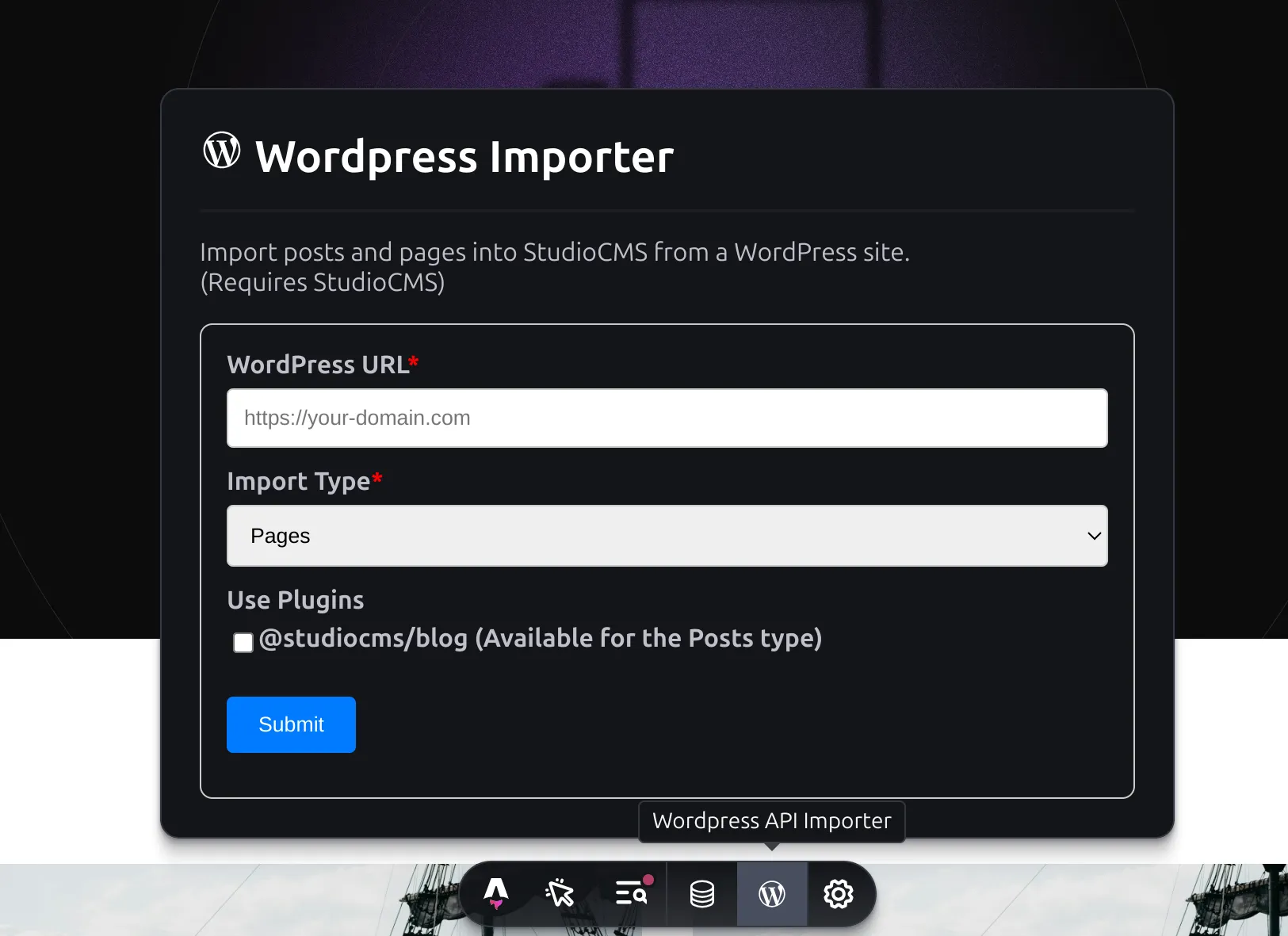
Section titled “Wordpress Importer”Development tool to import WordPress posts and pages into the StudioCMS database.
Requirements
Section titled “Requirements”- StudioCMS Integration
- WordPress Install
@studiocms/blog(Optional: for importing Posts under a blog)
Preview Usage
Section titled “Preview Usage”- Toolbar app